
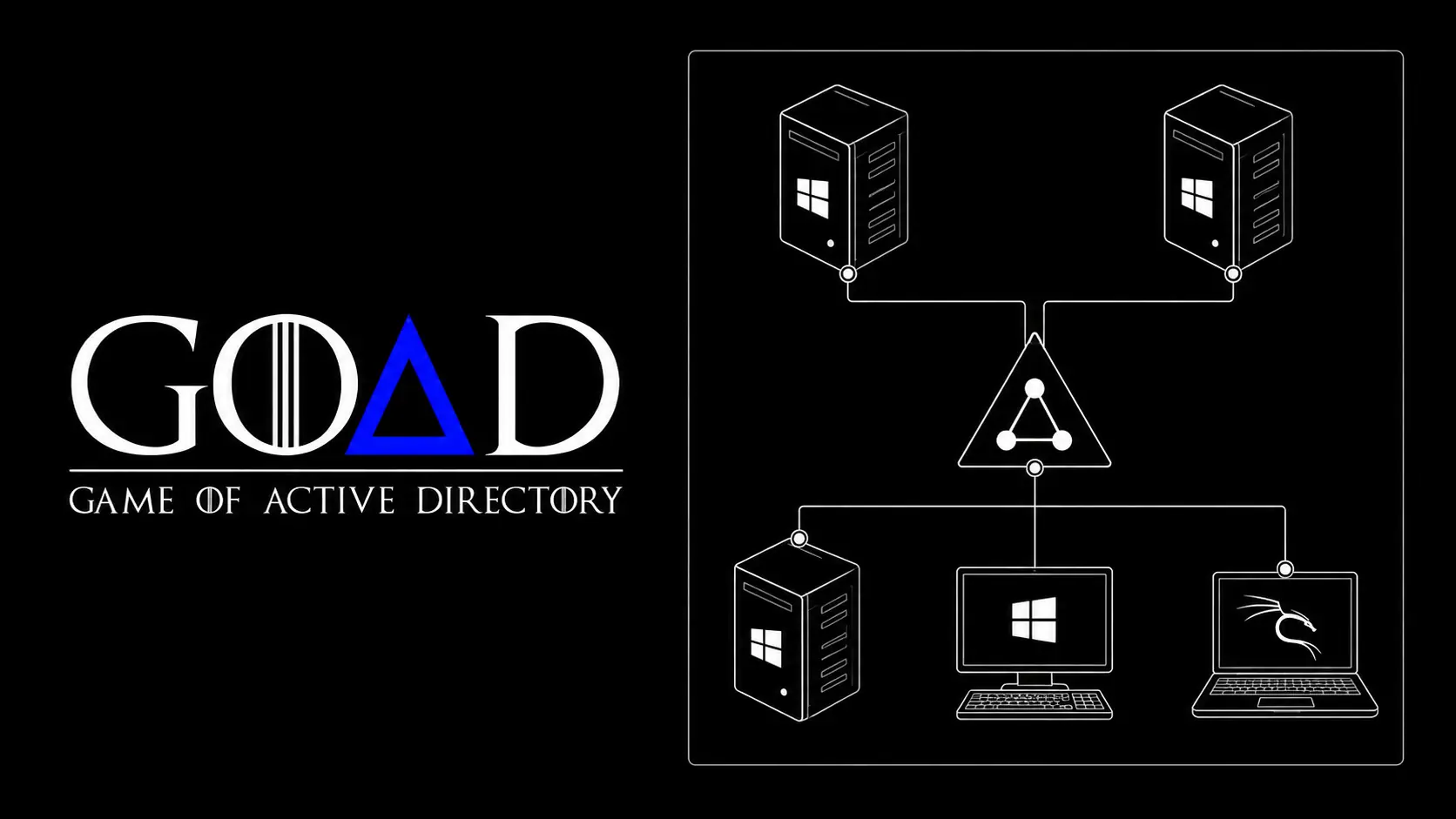
Introduction:
GOAD(Game of Active Directory) is a vulnerable active directory LAB project, which helps pentesters to learn/practice active directory attacks and methodology. GOAD comes with the different kinds of LAB like GOAD, GOAD-Light, MiniLab, etc. It’s pretty simple to setup the GOAD on the linux host machine.
To setup the GOAD, there are some prerequisites that needs to install on host machine, in this case it’s linux. It requires prerequisites are virtualbox.
sudo apt install virtualbox
And vagrant, install the required vagrant plugins using command below.
vagrant plugin install vagrant-reload vagrant-vbguest winrm winrm-fs winrm-elevated
Setup Game of Active Directory(GOAD):
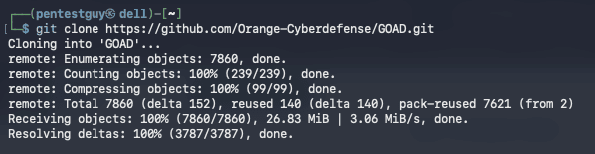
Make sure to download/clone the GOAD repository – https://github.com/Orange-Cyberdefense/GOAD
git clone https://github.com/Orange-Cyberdefense/GOAD.git
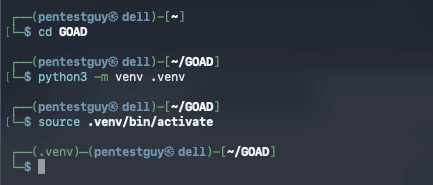
Navigate to the GOAD directory and create the python virtual environment to avoid any python dependency issues. This step is vital for seamless goad lab setup experience.
cd GOAD
python3 -m venv .venv
source .venv/bin/activate
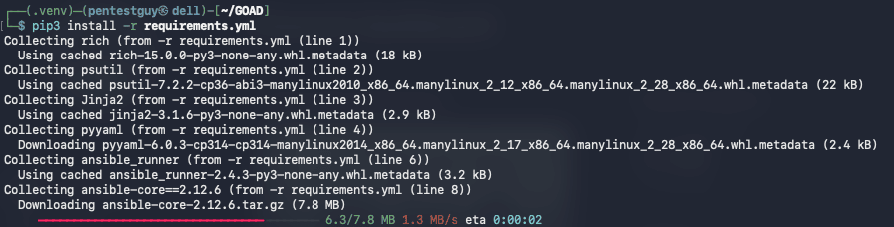
Use the command below to install all the required python dependencies.
pip3 install -r requirements.yml
Run the shell file as root, which will start the goad management console.
sudo ./goad.sh
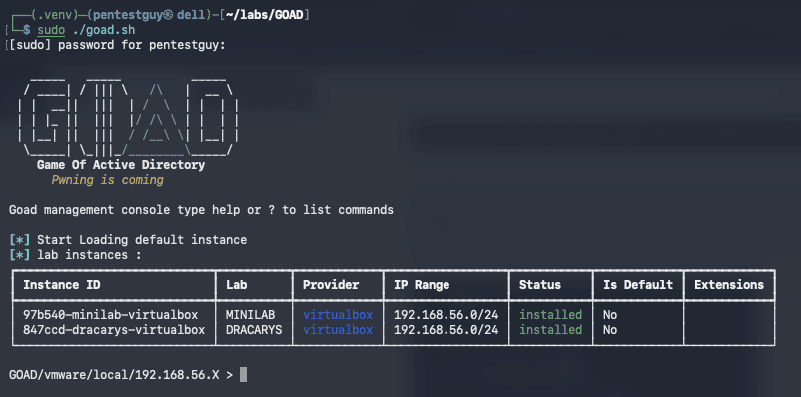
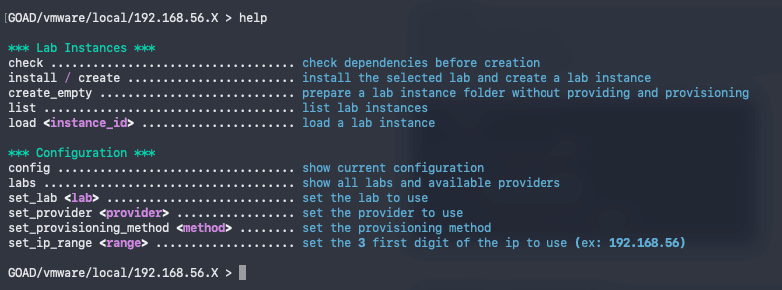
As every tool, this lab also have the help menu where user can check the different available options.
help
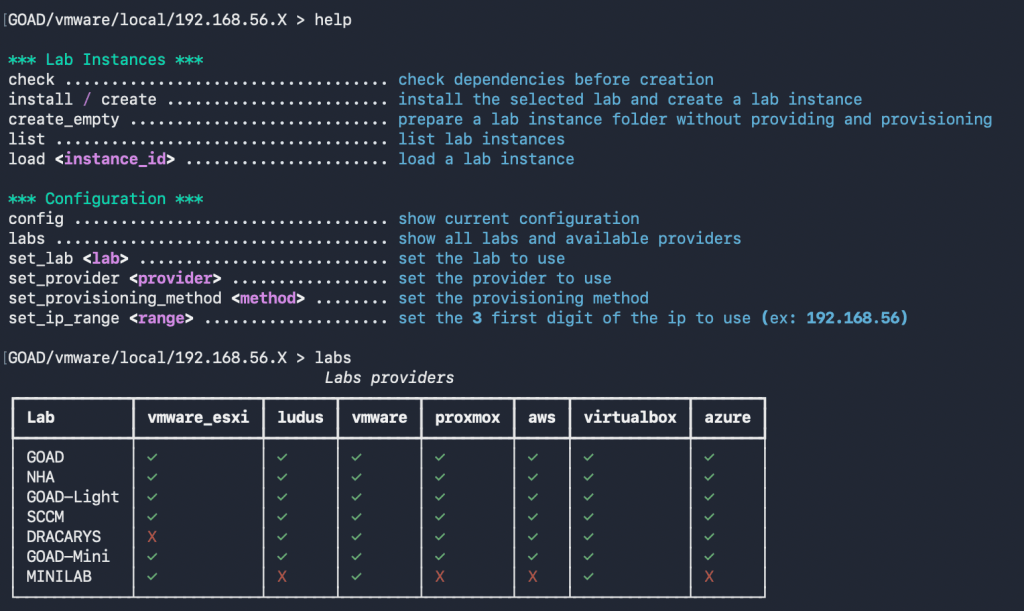
Check the various labs (GOAD, NHA, GOAD-Light, SCCM, DRACARYS, GOAD-Mini, MINILAB) available using the command below.
labs
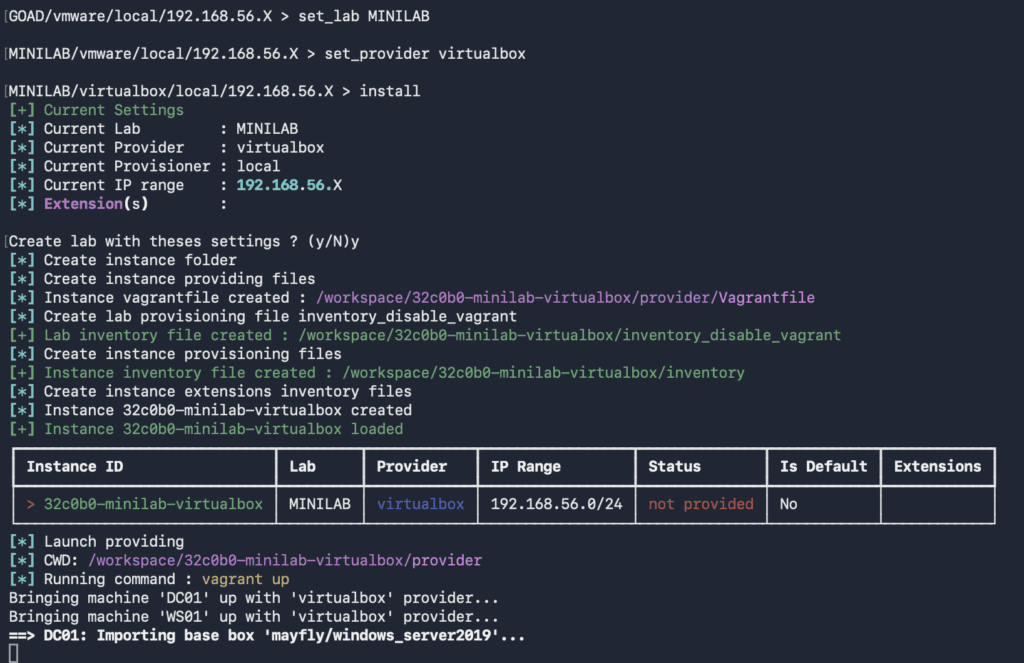
Provide the settings as below according the lab you want to setup.
set_lab LAB-NAME-FROM-LIST
set_provider virtualbox //change it as per your setup
install
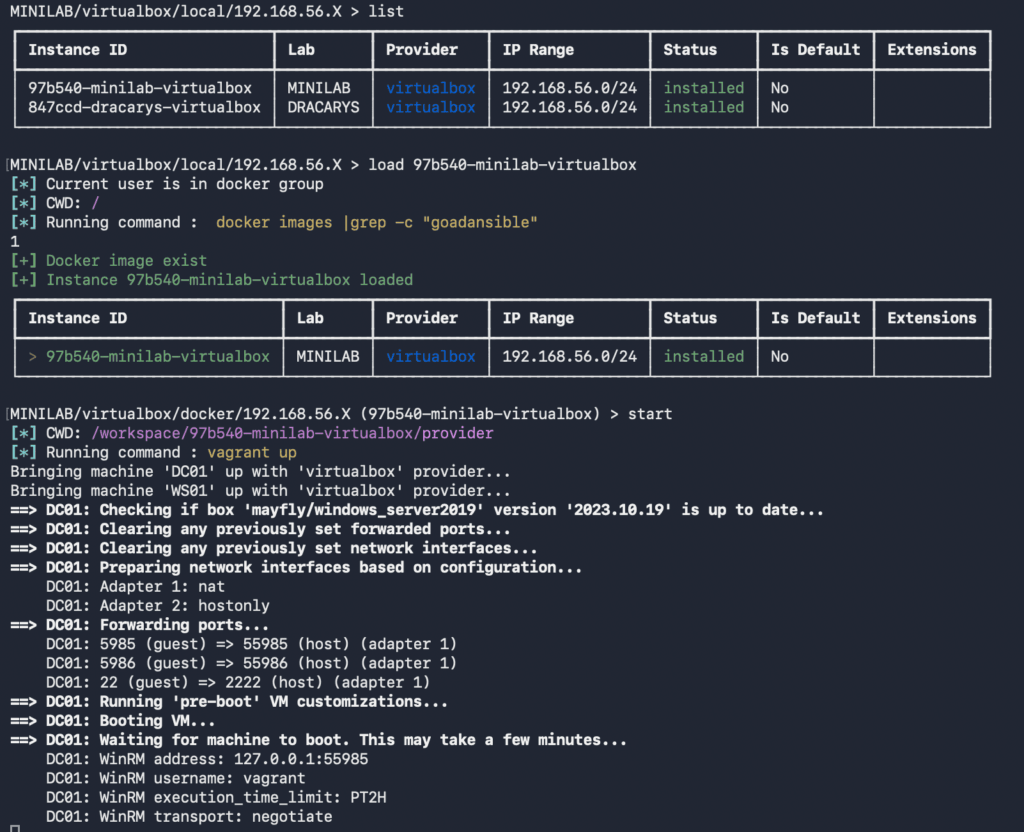
Get the installed lab first, then load the lab instance id to run/start the lab by using the command below.
list
load instance-id
start
Conclusion:
If you follow these steps, your goad lab setup should work as intended. Want to collaborate on real-world testing, tool development, or writing? Reach out via the Collaboration page. Thank you!!

