
Introduction:
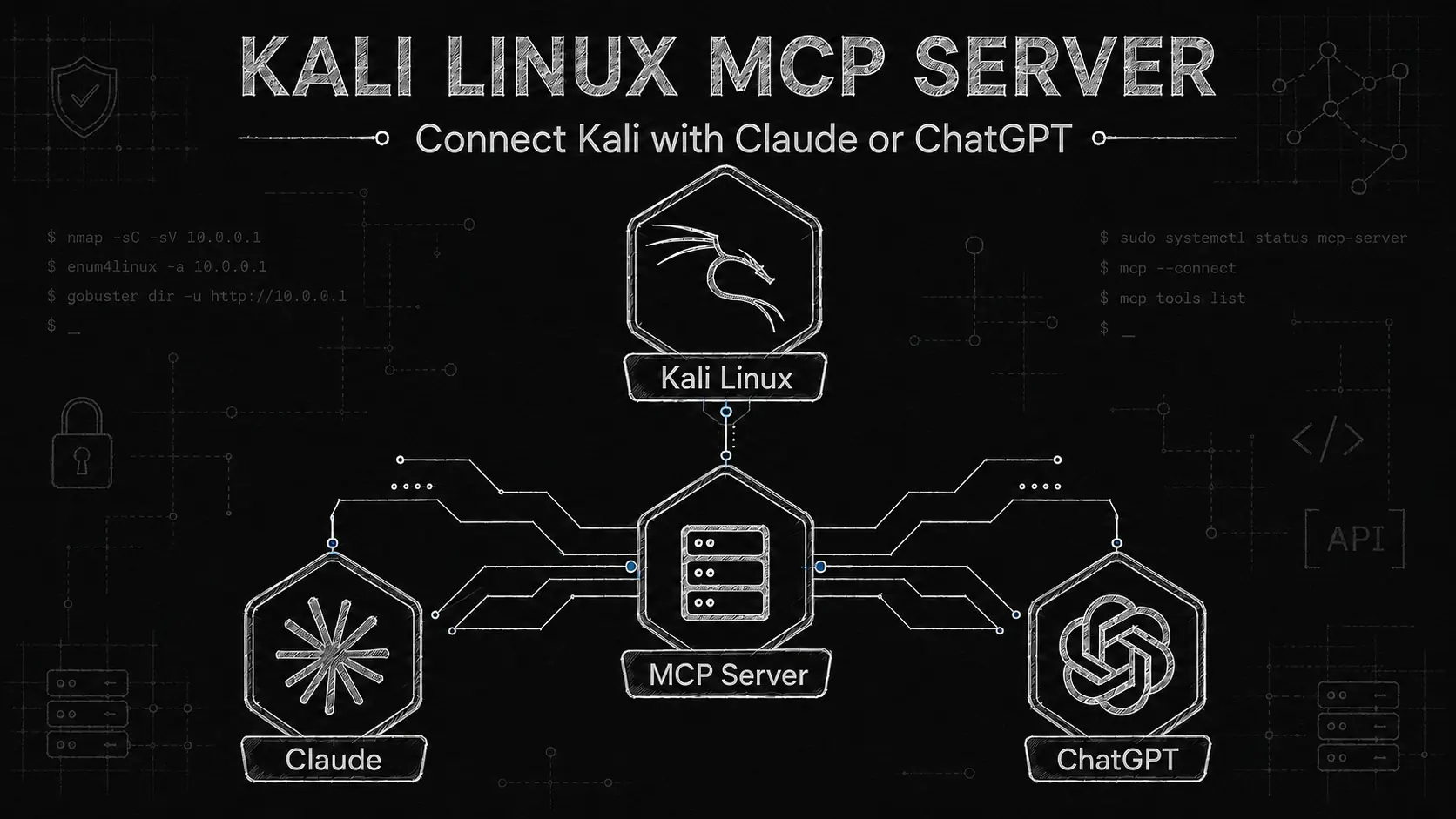
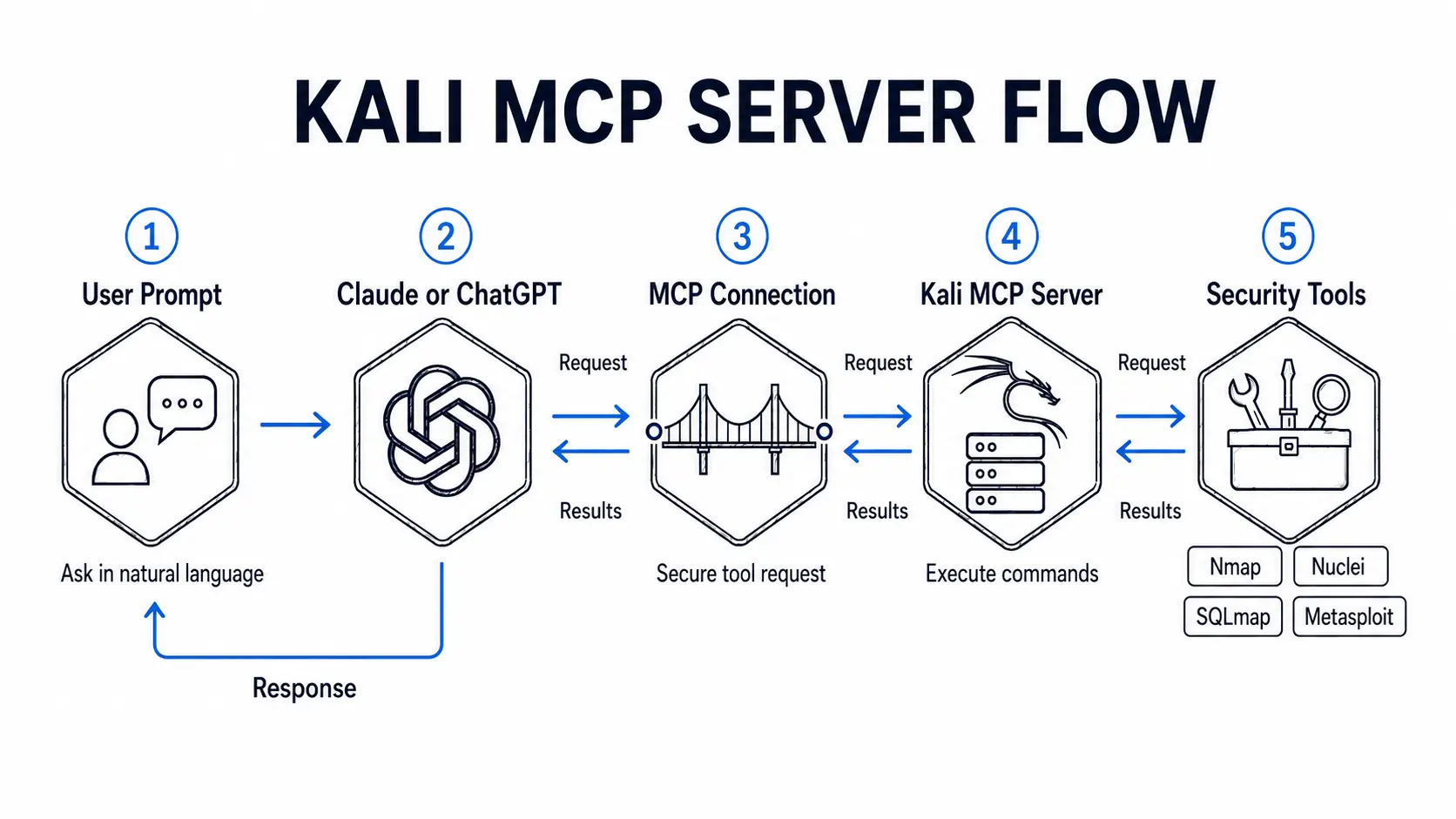
Kali MCP Server is simple API bridge between AI Agents and Linux machine. Which includes the some of the popular pentesting tools accepts as a direct command and user can also execute the raw commands. By setup kali mcp server, user can easily perform AI pentesting tasks like bug hunting recon and capture the flag.
Kali MCP Server Flow:
Setup Kali MCP Server:
Let’s install mcp-kali-server kali linux vm using the command below, also find the code on the github – https://github.com/Wh0am123/MCP-Kali-Server
sudo apt install mcp-kali-server
After installation run the server on kali vm using command below:
kali-server-mcp --ip kali-vm-ip --port 5000
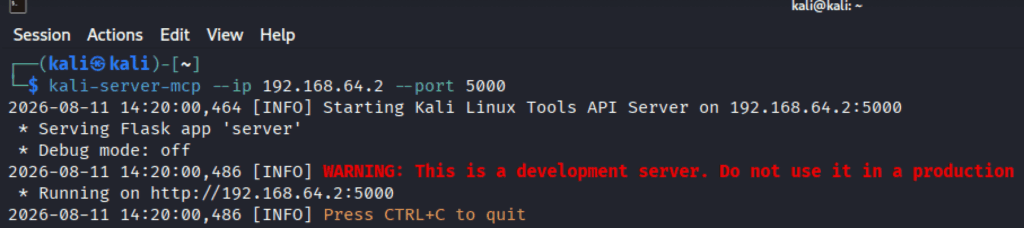
Let’s test whether the mcp server is accessible from the host machine. Open the link – http://kali-vm-ip:5000/health it should give the output as below.

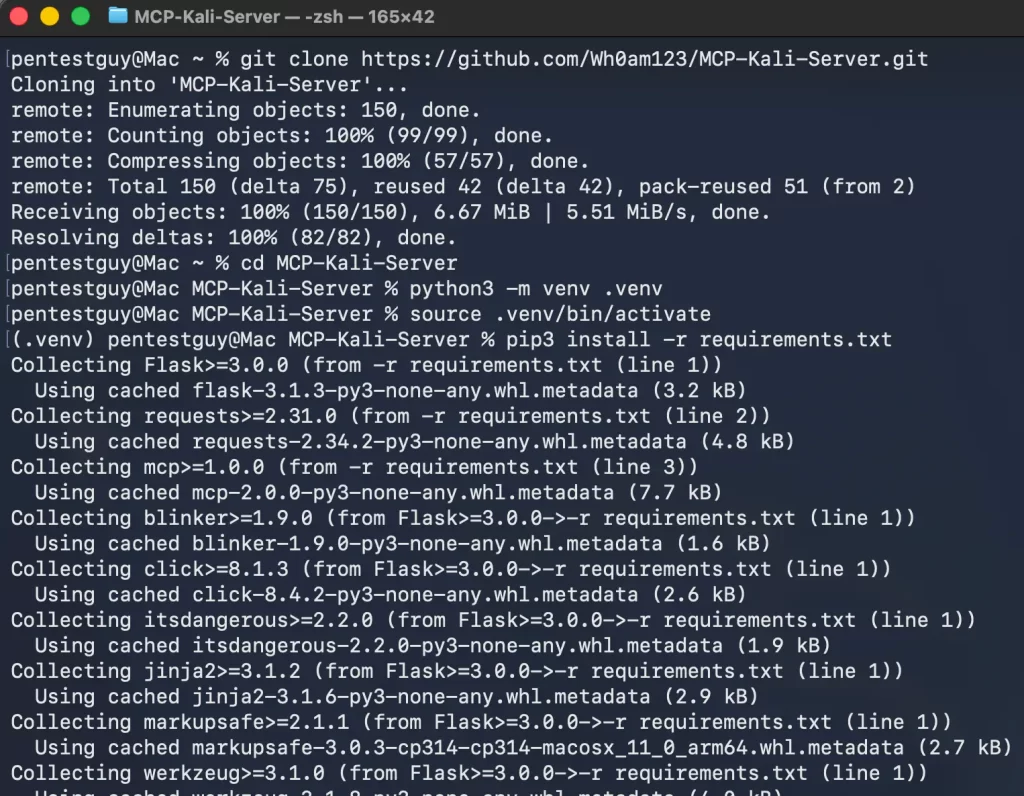
Now, clone the mcp-server-kali repository on the host machine and install the requirements. Make sure to install python on the host machine to run the mcp client.
git clone https://github.com/Wh0am123/MCP-Kali-Server.git
cd MCP-Kali-Server
python3 -m venv .venv
source .venv/bin/activate //this is for linux or mac based host
pip3 install -r requirements.txt
Connect Claude Desktop to Kali MCP:
Create the MCP sever the Claude Desktop application by navigating to Settings -> Developers -> Edit Config and add the below code into the claude_desktop_config.json file. Make sure to replace correct values for absolute path kali-vm-ip address.
{
  "mcpServers": {
    "mcp-kali-server": {
      "command": "/absolute-path/MCP-Kali-Server/.venv/bin/python3",
      "args": [
        "/absolute-path/MCP-Kali-Server/client.py",
        "--server",
        "http://kali-vm-ip:5000/"
      ]
    }
  }
}
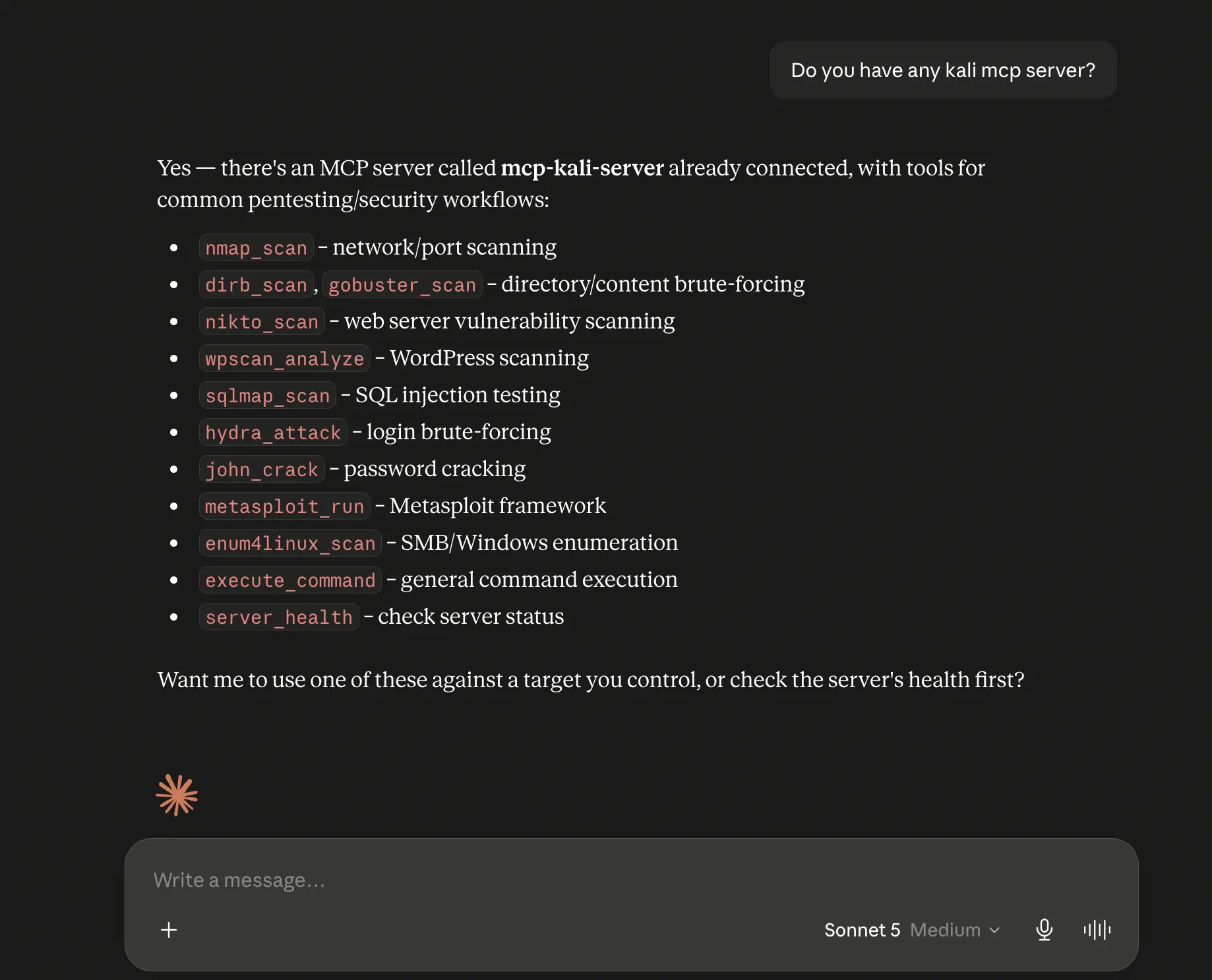
Cross verify at the same settings whether the mcp server is running or not? After that provide the prompt inquiring about kali mcp sever, which should give the response below.
Connect ChatGPT to Kali MCP:
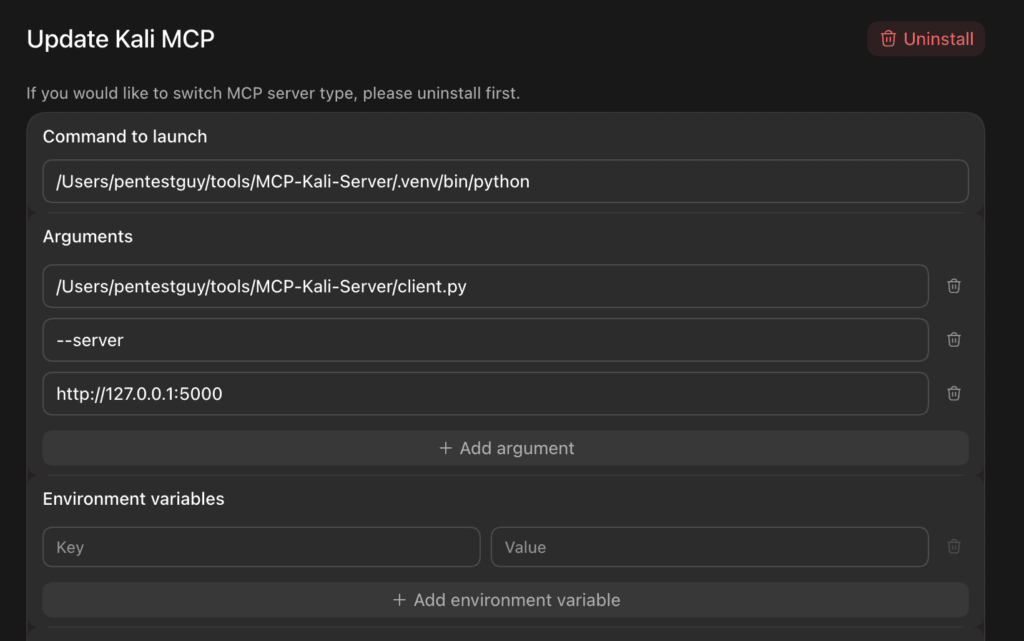
Create a new MCP server from ChatGPT desktop application by following Settings -> Plugins -> MCP’s -> Add -> Add MCP Server provide meaningful name and type will be STDIO. Replace rest of the details from image given below as per setup.
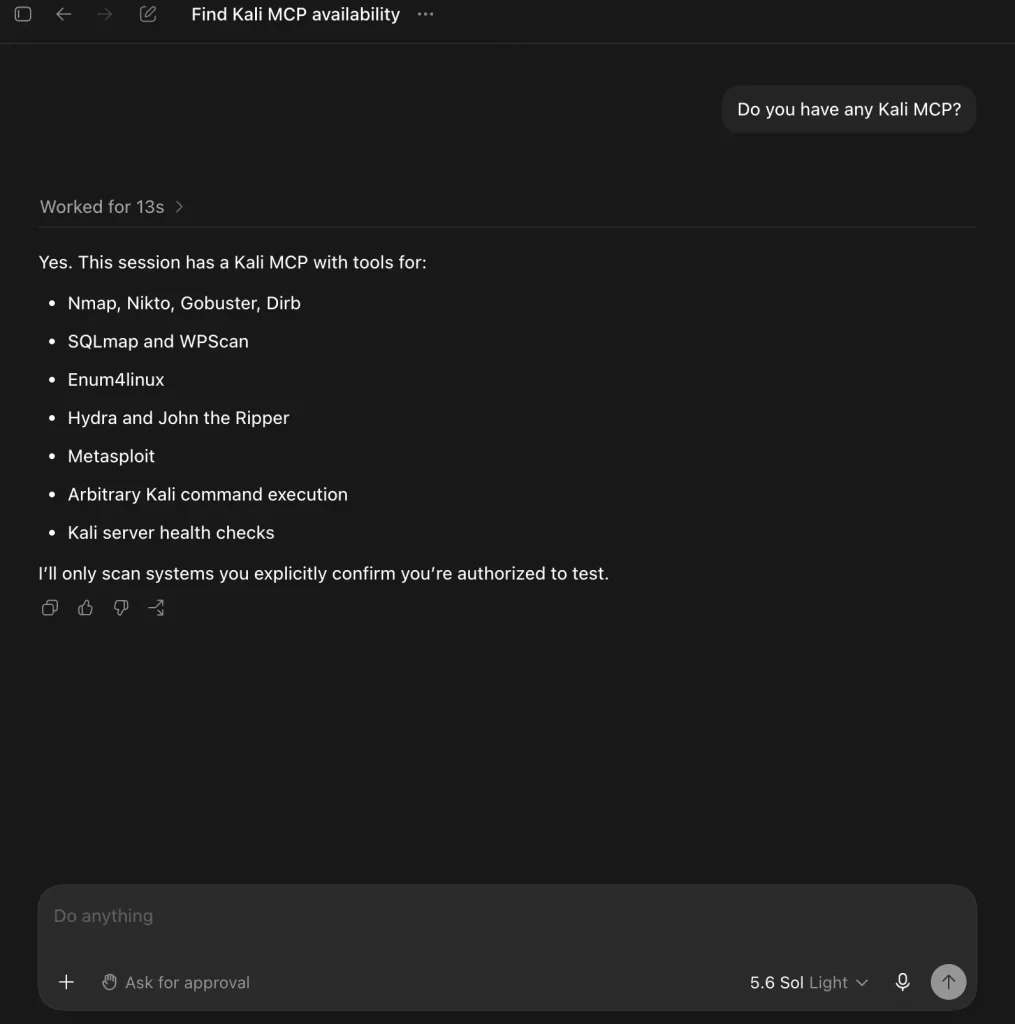
After restarting the mcp server/app, try to provide simple prompt where asking about kali mcp and the response should as per image below.
Conclusion:
This is the simple way of configuring the mcp-kali-server with any compatible ai agent, which can help for performing pentesting tasks such as bug bounty recon or infrastructure penetration testing. Personally I don’t recommend to use this for CTF solving which will not going to help to learn or improve the hacking skills. Want to collaborate on real-world testing, tool development, or writing? Reach out via the Collaboration page. Thank you!!


Great work Shubham!! This is really good.